A CUSTOM CLIENT PORTAL,
POWERED BY CLICKUP.
A branded client experience that talks directly to ClickUp behind the scenes — eliminating per-seat costs while giving clients a clean, simple way to work with the team.
Everything syncs automatically with ClickUp — behind the scenes.
Clients see a clean, branded interface. The team operates fully inside ClickUp. Every action, comment, file, and status update flows between the two in real time.
One frontend, one operations layer, fully connected
A walkthrough of the portal experience — every view below is wired into ClickUp tasks, comments, files, and statuses on the backend.
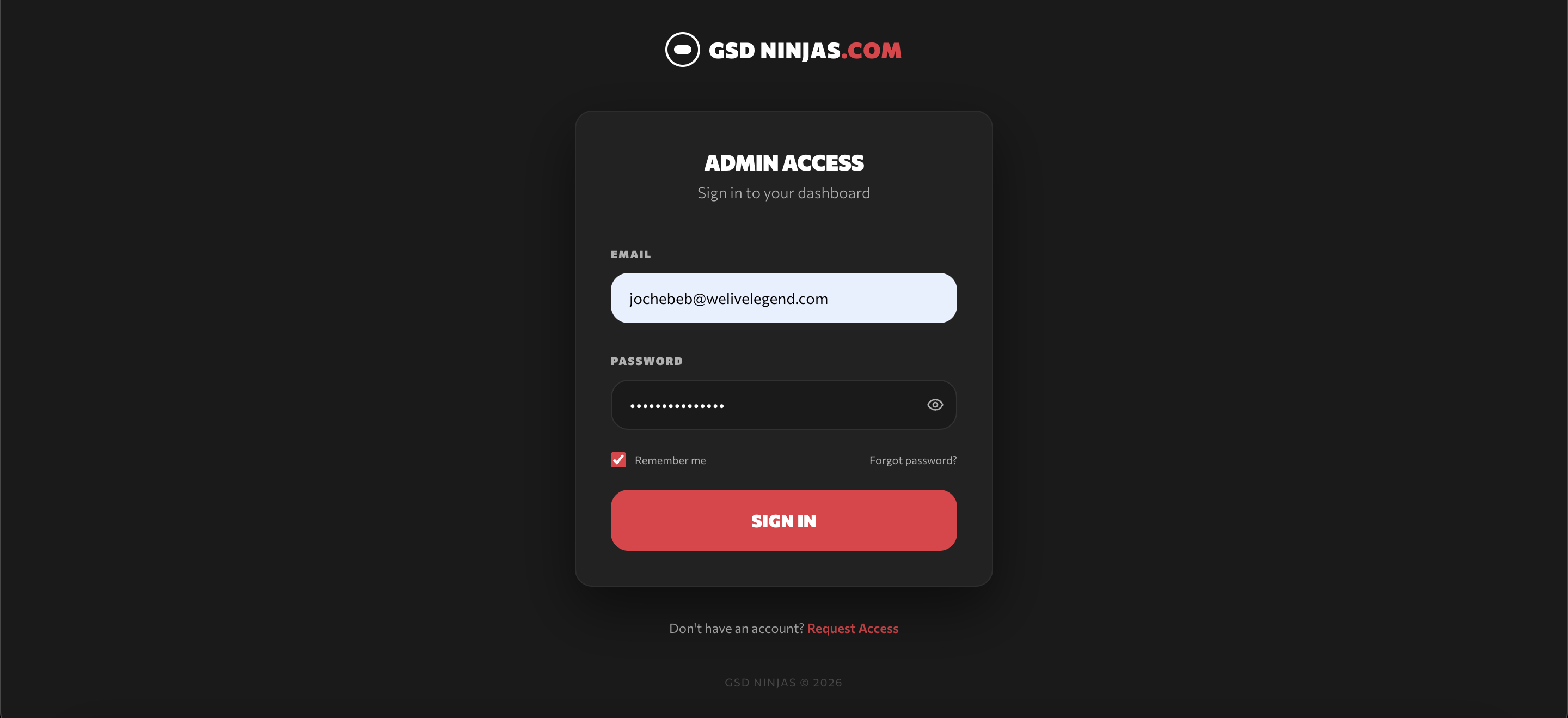
Login & portal access
The branded entry point — clients log into their dedicated portal with their own credentials, no ClickUp account required.
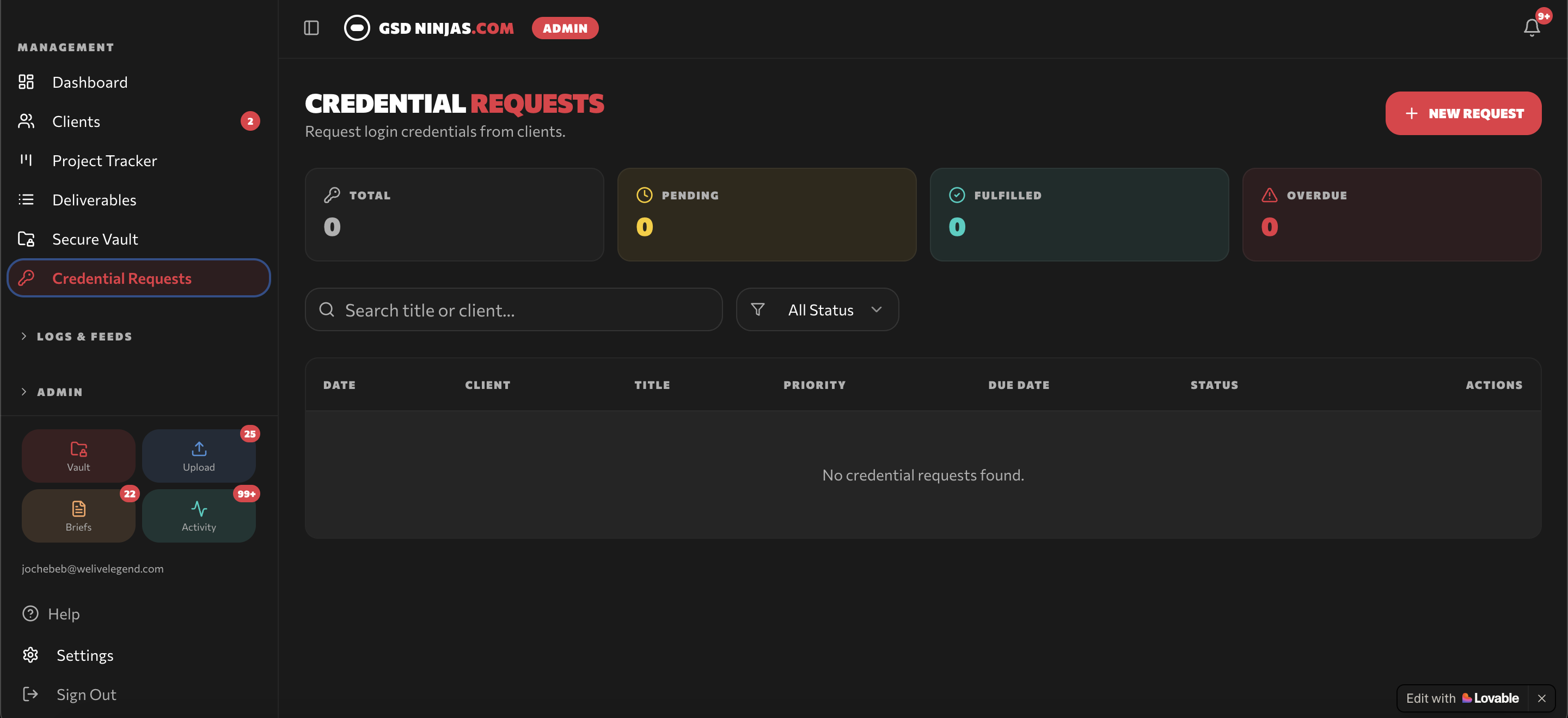
Credential requests
Clients submit access credentials, logins, and account information through structured request forms — no more sending passwords over email.
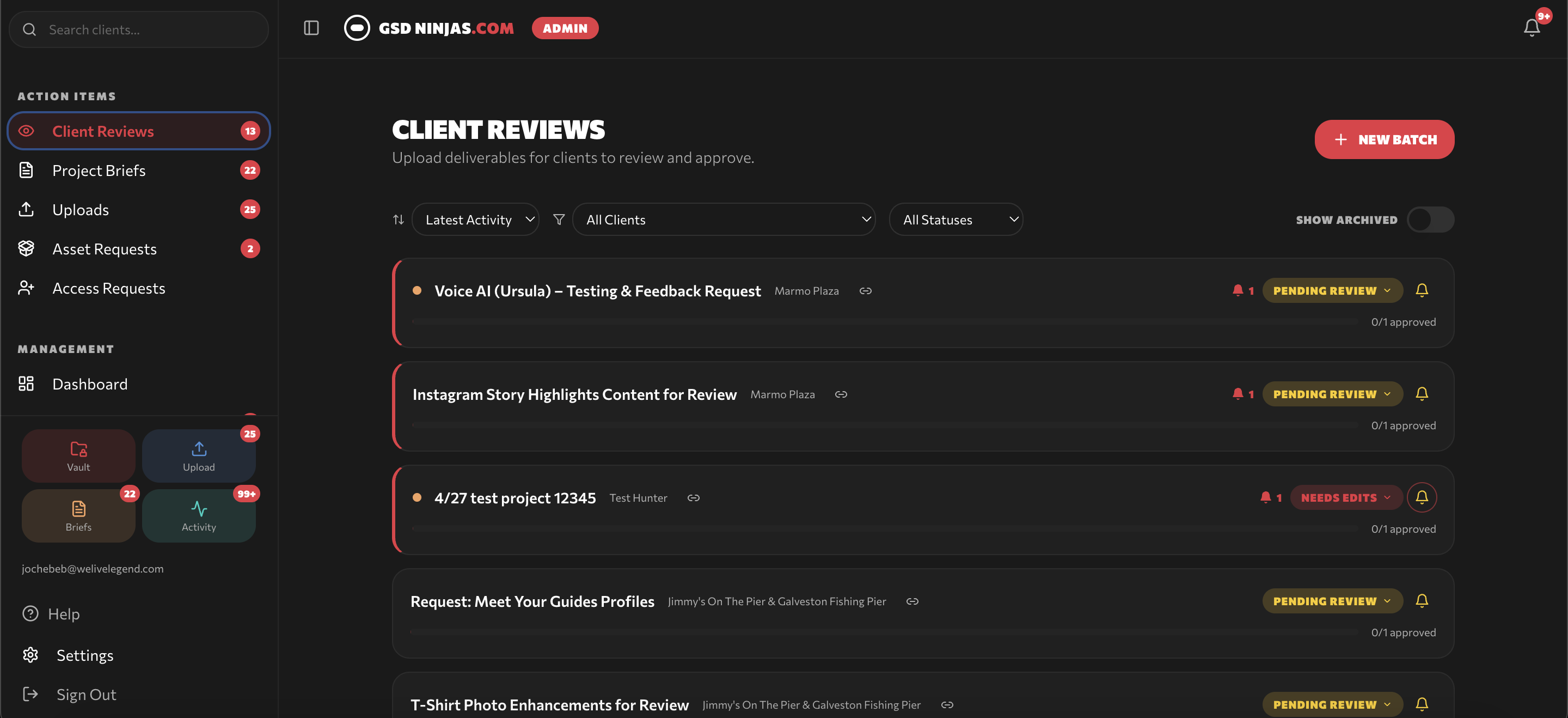
Client review & approvals
Deliverables are surfaced for client review with clear context — approve, request changes, or comment directly in the portal.
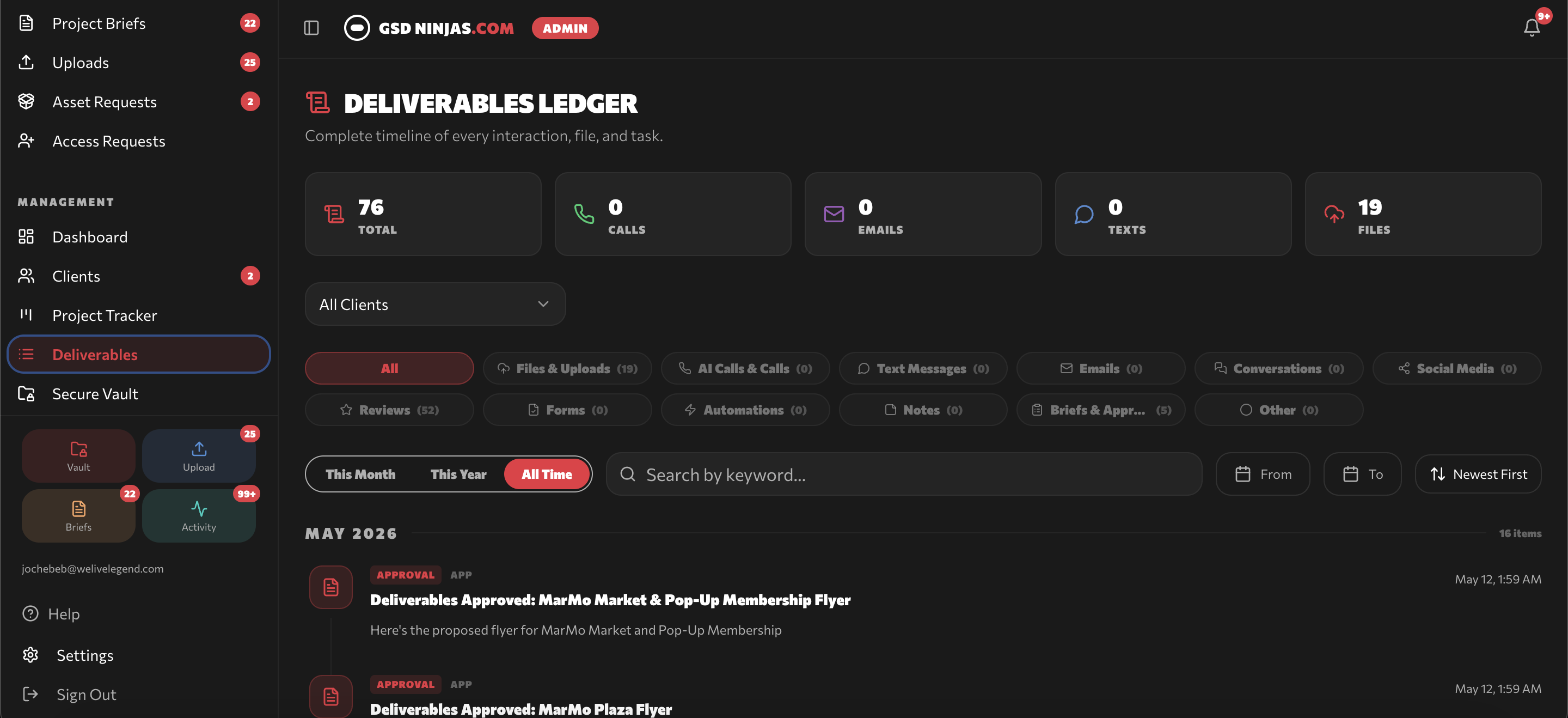
Deliverables ledger
A running record of every deliverable — what was shipped, when, and its current review status. Full transparency, no chasing files.
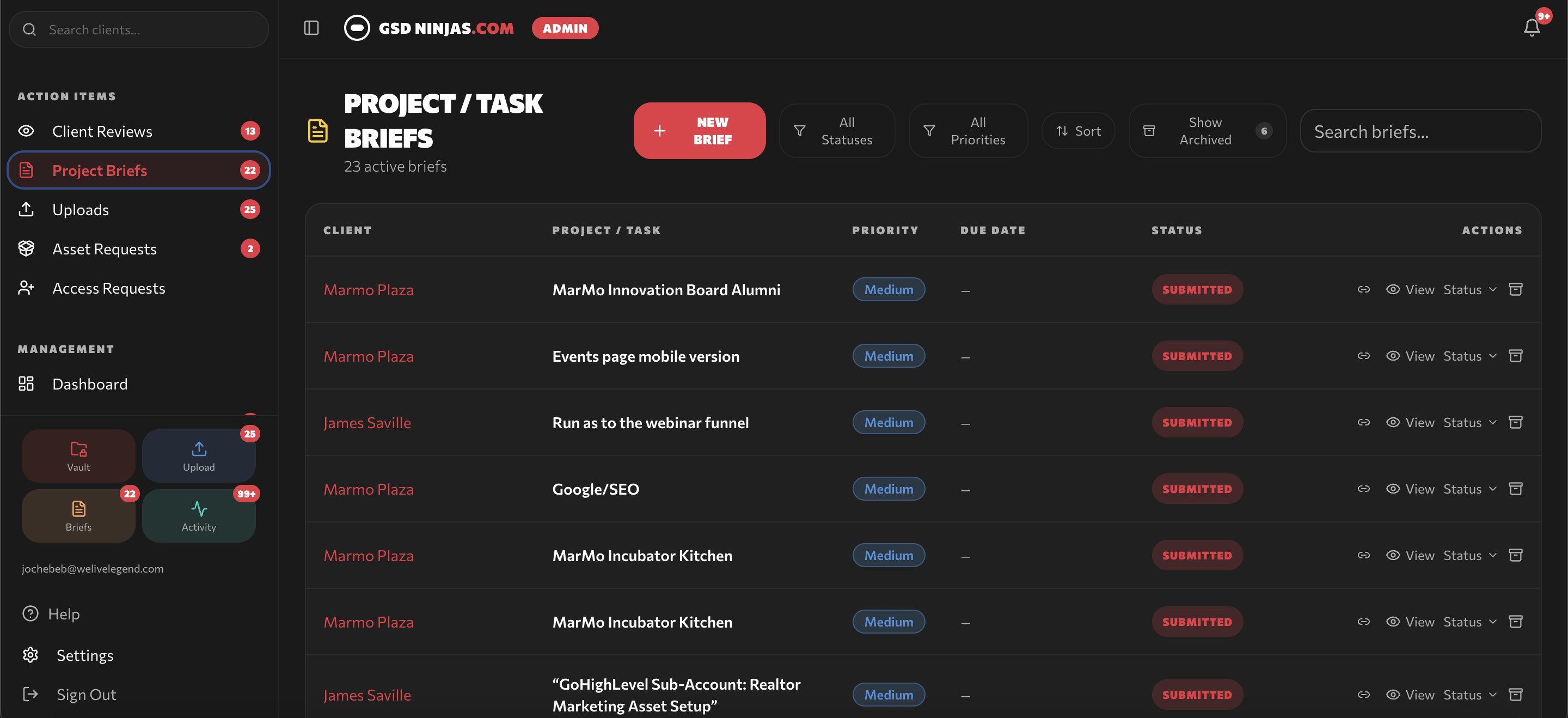
Project tasks & briefs
Clients submit project briefs and individual task requests through guided forms — designed for non-technical users, no ClickUp training required.
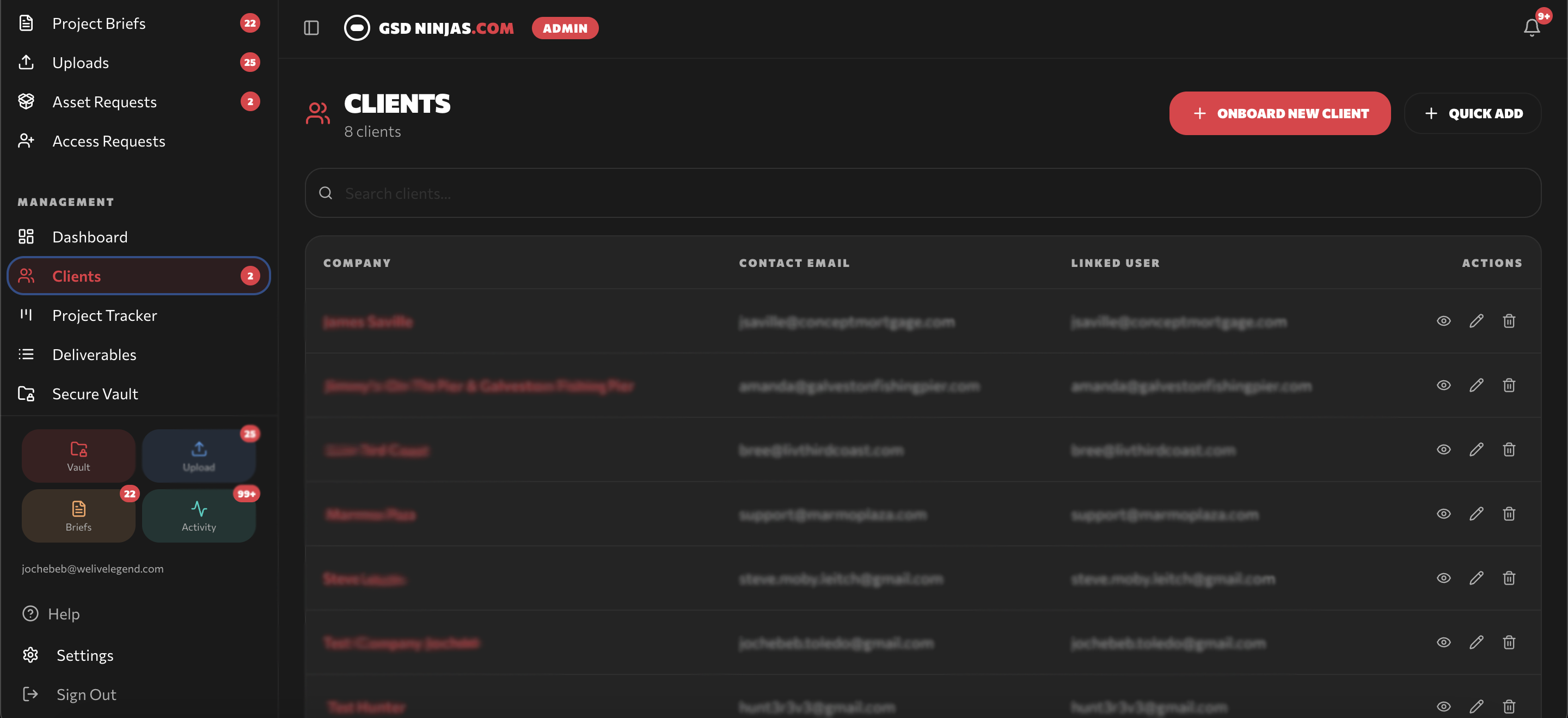
Client directory
Admin view of every client account in the portal — a central command center for managing multi-client operations.
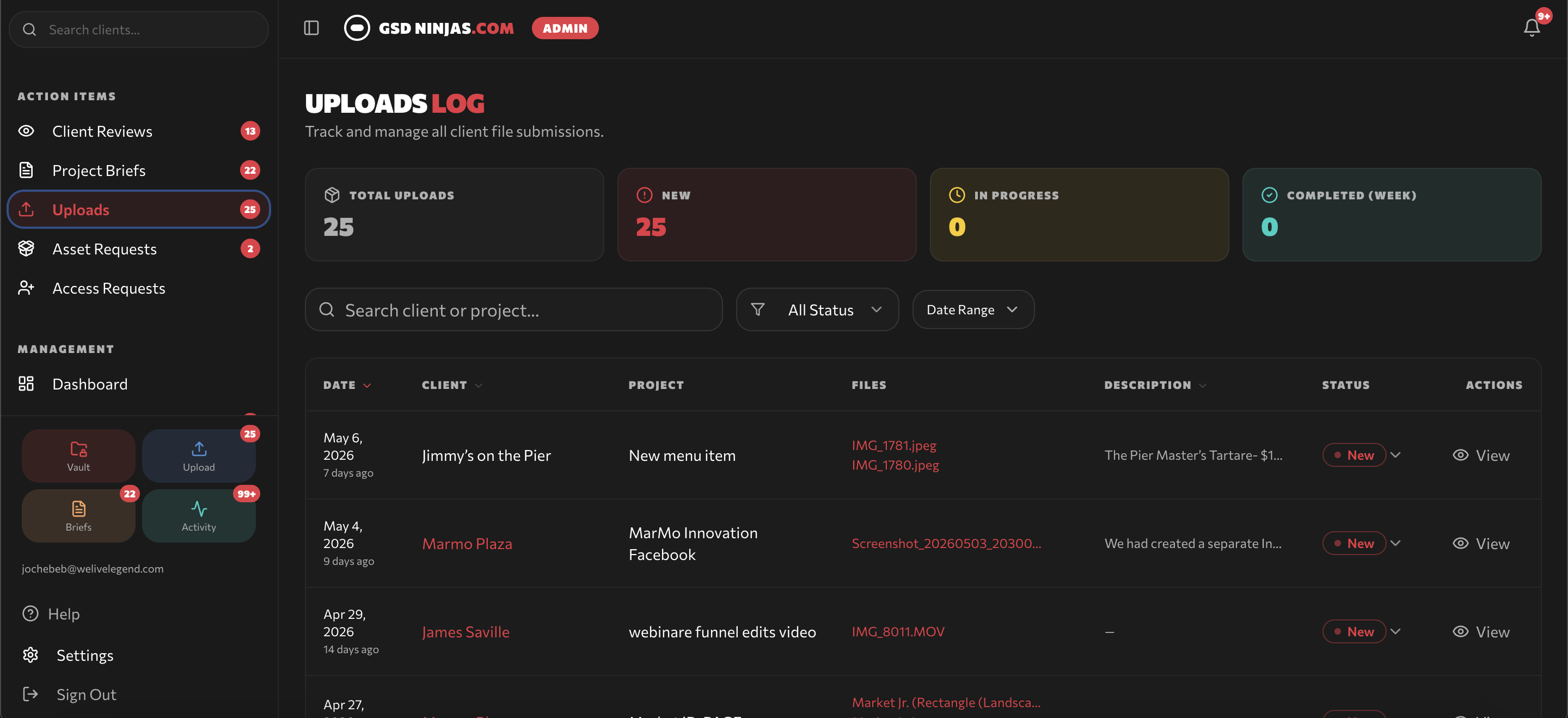
Upload logs
Every file, image, and asset uploaded through the portal is logged here — searchable, sorted, and tied to its project.
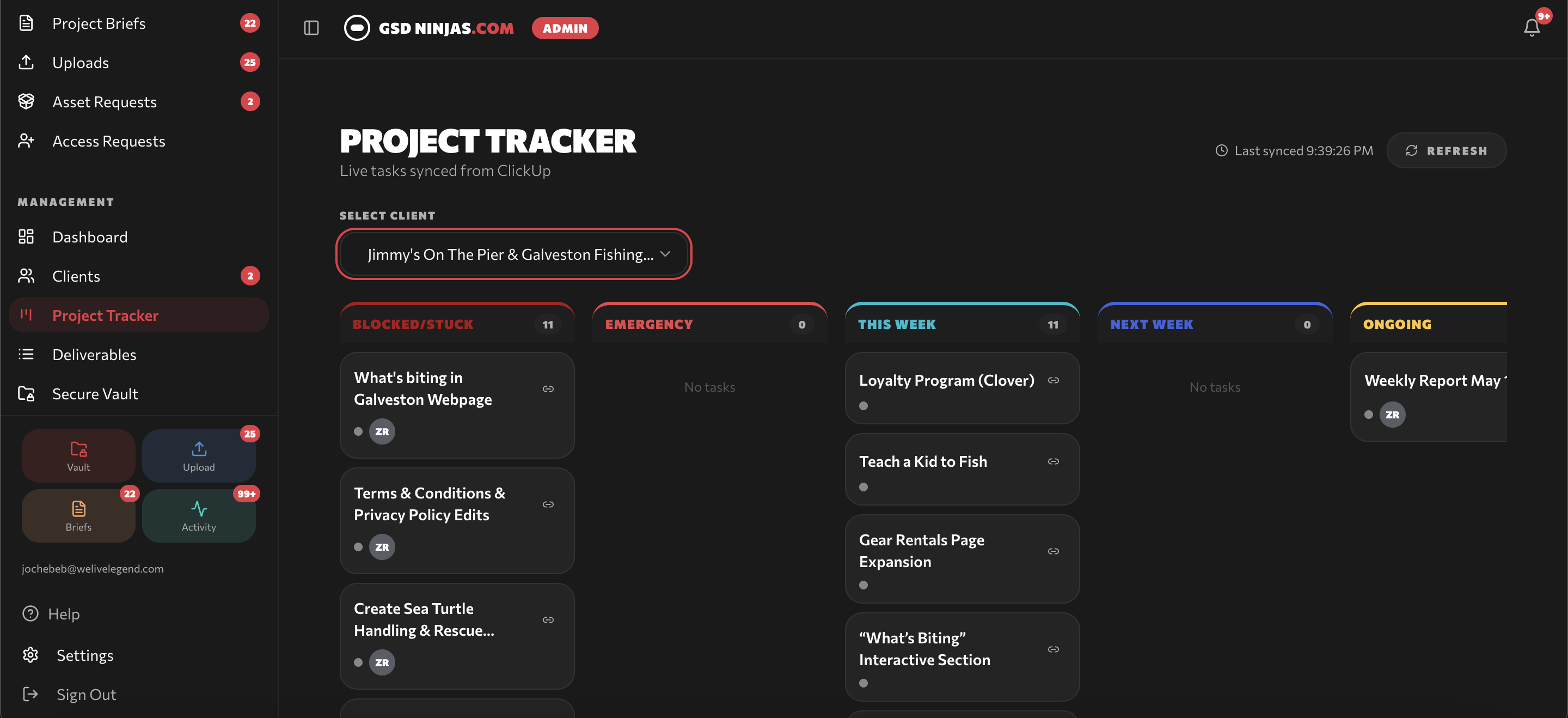
Project tracker & boards
Organized boards — This Week, Ongoing, Emergency, Completed — give clients a clear, scannable view of every project's status.
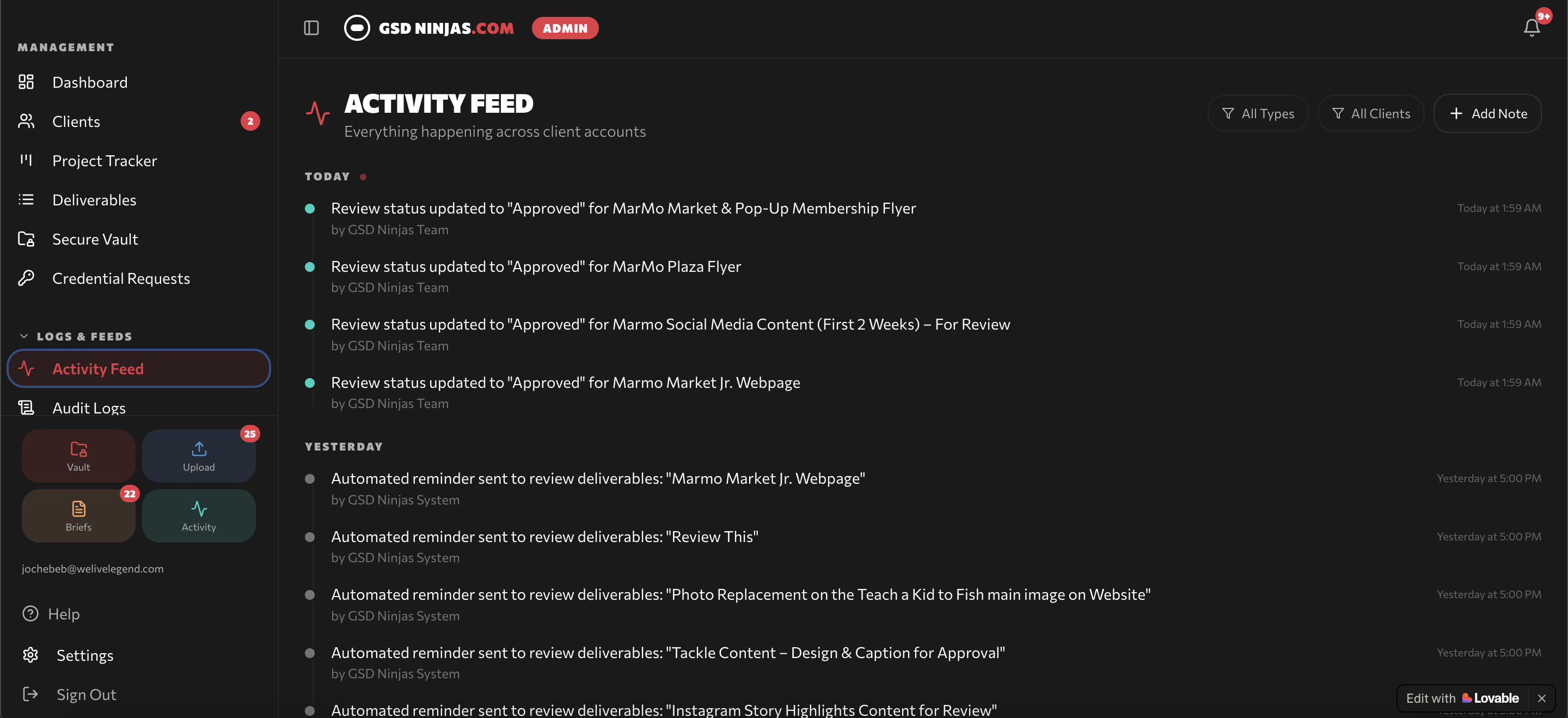
Activity feed
A consolidated activity feed keeps clients informed of every update, mention, and status change relevant to their projects. The team can click the bell icon to send a manual reminder to the client when a project is awaiting review and no action has been taken yet.
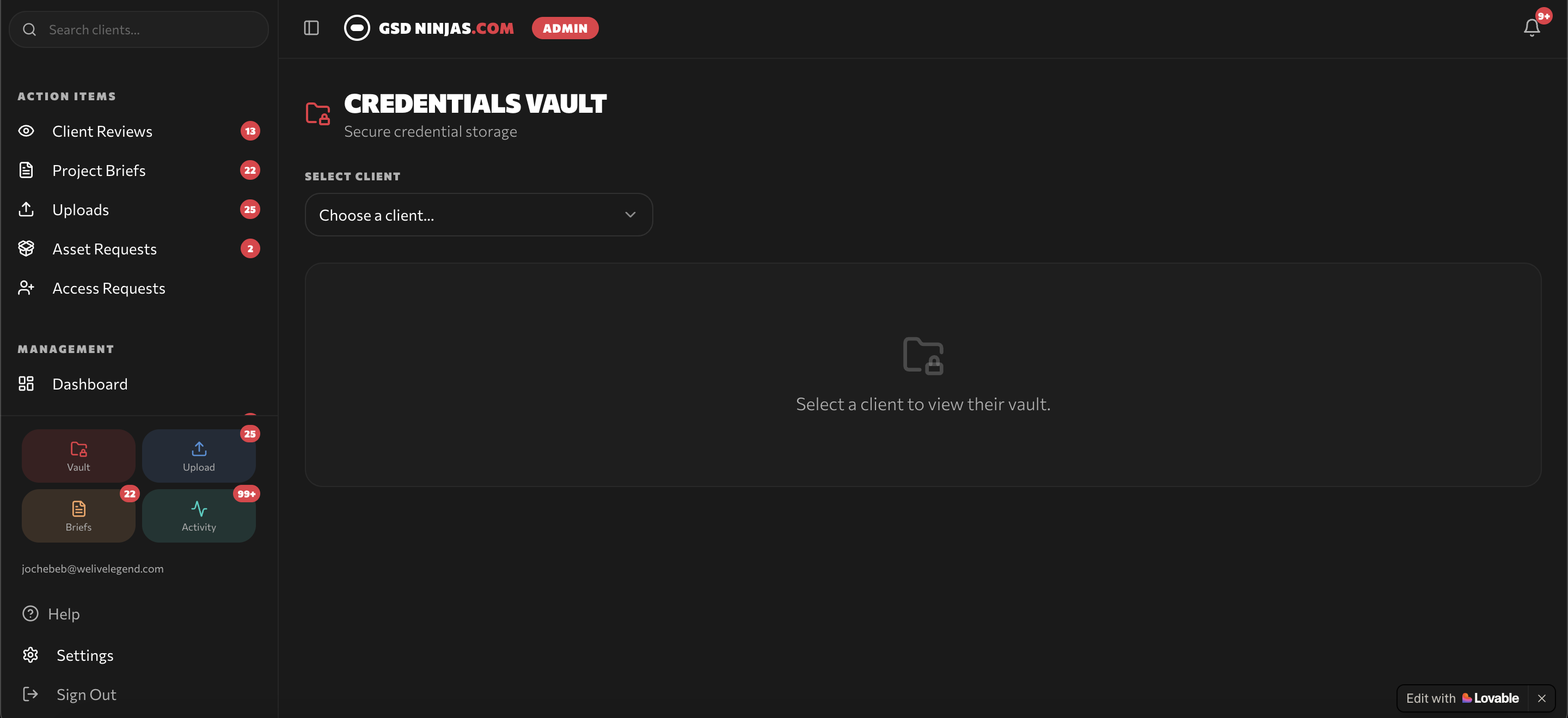
Credentials vault
A secure space for storing logins, brand assets, and important company information — accessible to the team when needed, organized by client.
What changed for the operation
A clean client experience layered on top of a powerful operational backbone — without the licensing costs or training burden.
No more per-seat ClickUp licenses for every client — the portal replaces the need for paid external accounts.
Non-technical clients get a branded, simple interface — no ClickUp learning curve, no exposure to backend complexity.
Briefs, feedback, and approvals all flow in one place — fewer email chains, faster turnarounds, less ambiguity.
Same infrastructure handles many clients simultaneously — adding accounts doesn't add operational chaos.